Patina
Listen to what falls away when you split a recording. Turn a little of that sound into a new texture you can keep and play.
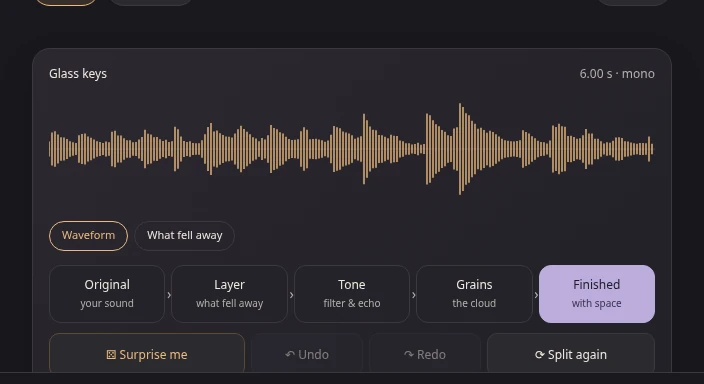
Listen along the chain
Start with Glass keys and press Play texture. Tap Original, then Layer, then Finished. Follow one attack through all three and listen for when the note gives way to a wash of smaller sounds.
Change the split
Choose Hits vs tones, then flip the split to hear the other side of the same recording. Try the Reverse cloud setting on one side. You can import a short recording when you want to try a familiar sound.
Keep a discovery
Use Keep to save a version in this browser. Choose Selected WAV to take that texture into a song, or Project backup to reopen the work on another machine.